
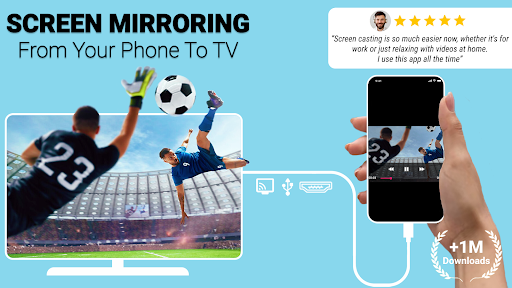
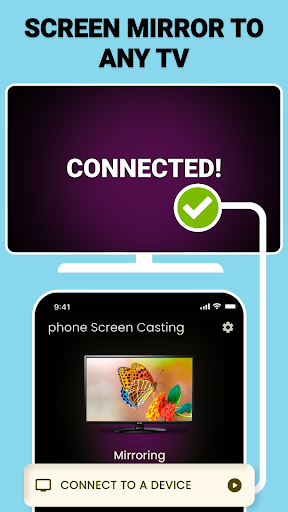
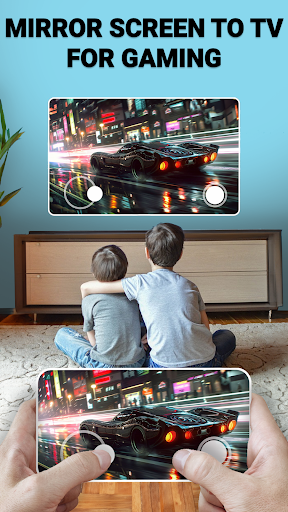
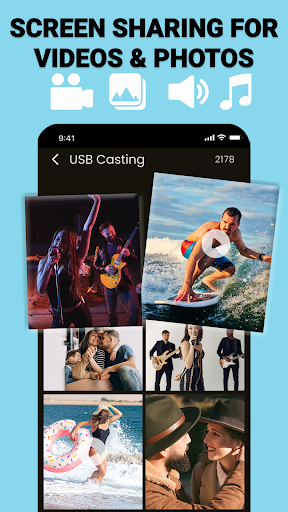
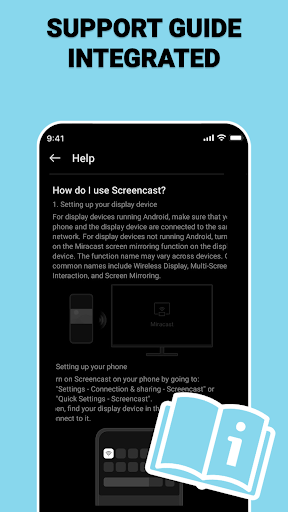
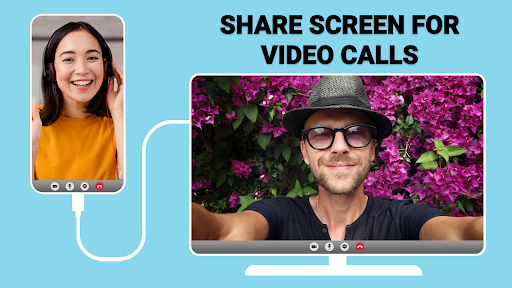
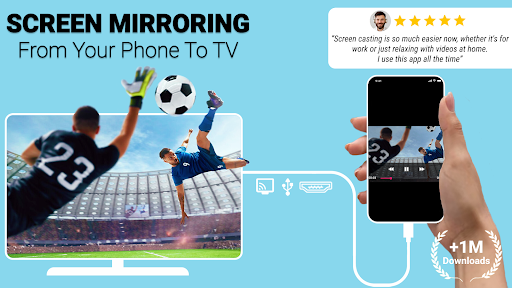
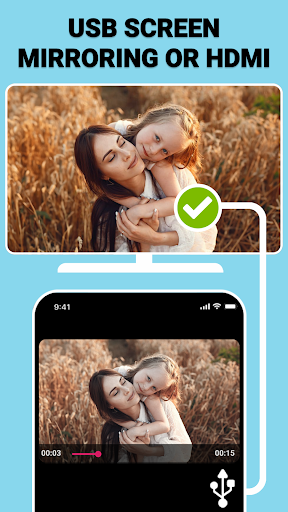
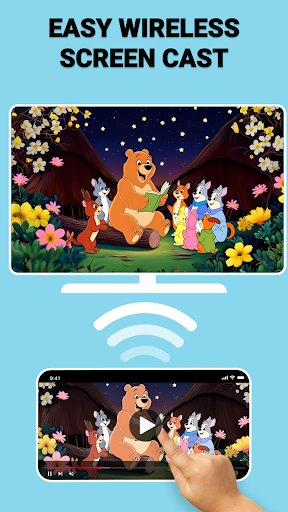
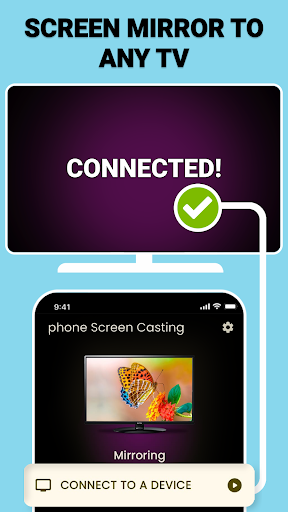
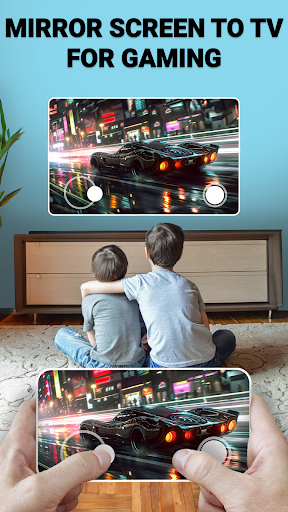
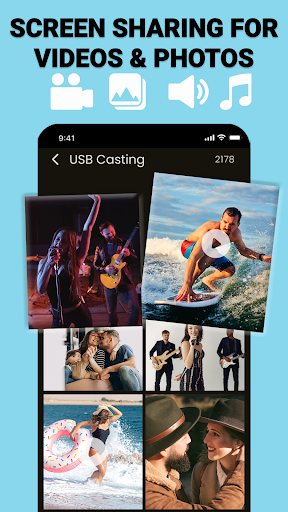
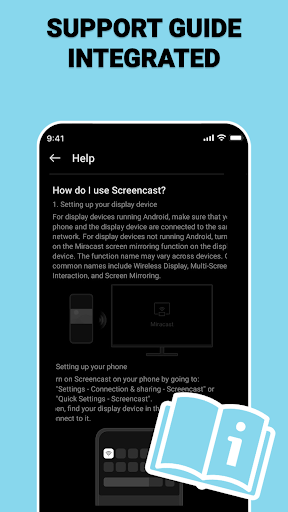
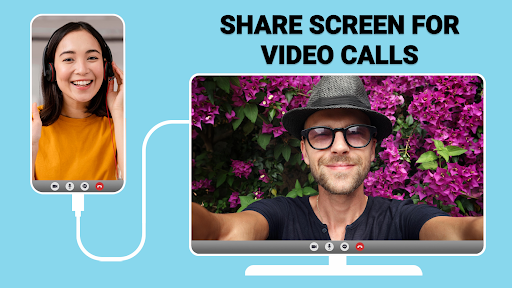
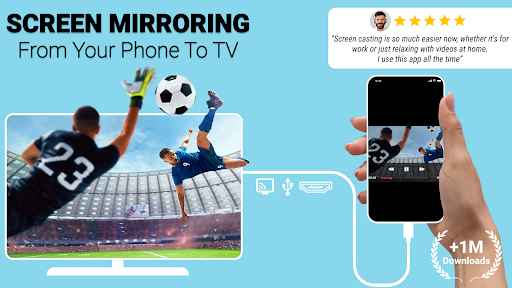
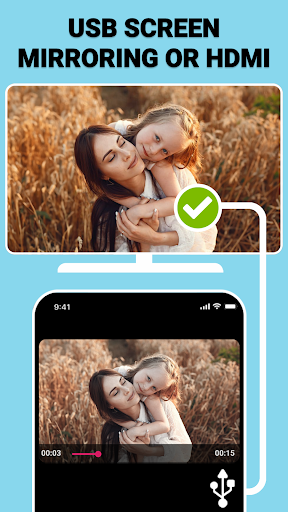
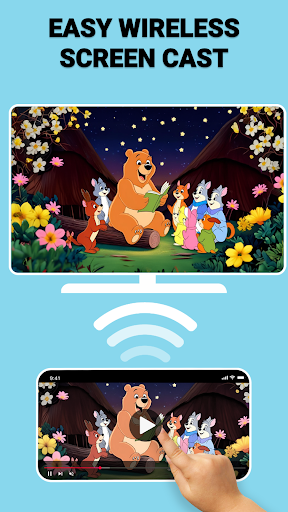
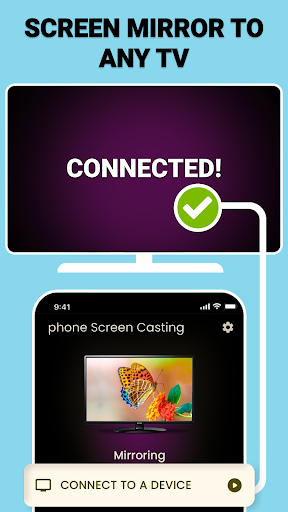
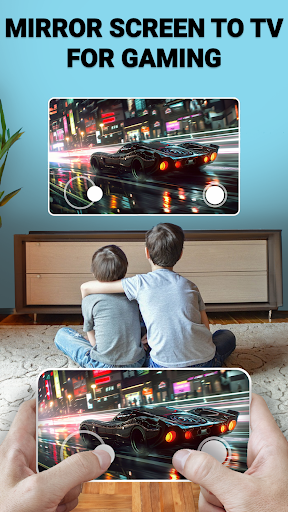
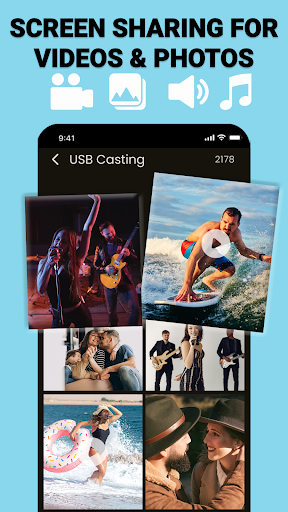
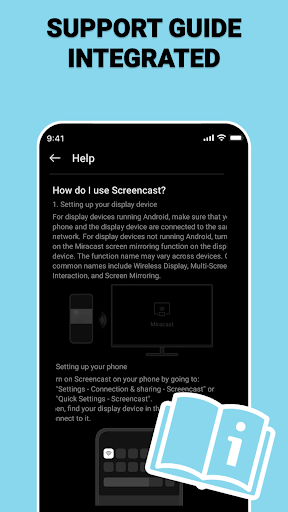
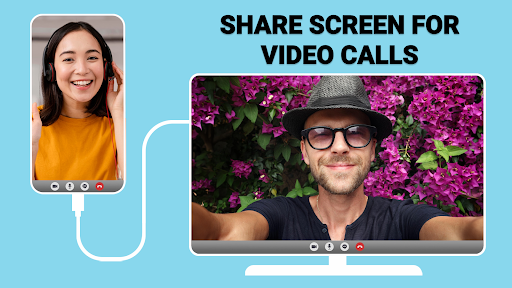
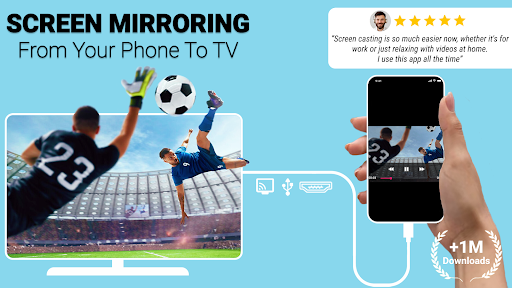
USB Connector Cast Phone to TV is an app designed to facilitate screen sharing from your phone to a television, offering both wireless and wired connectivity options. Users can mirror their device’s screen to a larger display, allowing for the presentation of various content types. The app supports casting via a Wi-Fi network for a wireless setup, or through a physical TV USB connector for a stable, direct connection. This dual approach provides flexibility in how users choose to project their phone’s display.
Screen Mirroring Capabilities
The primary function of the app is to mirror your phone’s screen to a television. This allows for real-time display of your device’s content on a larger screen. The app enables users to share photos, videos, and presentations directly from their phone to a connected TV. Whether you need to showcase media or deliver a presentation, the app aims to provide the tools for screen sharing on demand.
Connectivity Options
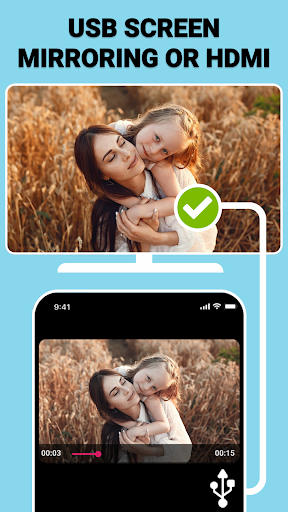
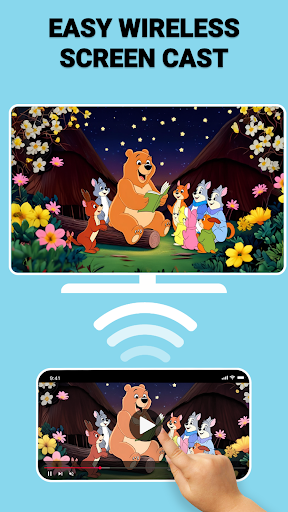
The app offers two distinct methods for connecting your phone to a TV. For wireless screen casting, both your phone and TV must be connected to the same Wi-Fi network. Alternatively, the app supports USB screen mirroring, which involves using a compatible TV USB connector to establish a wired connection. This wired option is presented as an alternative when wireless connectivity is not preferred or available, providing a direct link for screen sharing.
Workflow for Screen Sharing
To begin screen sharing, users first connect their phone and TV. For wireless mirroring, ensure both devices are on the same Wi-Fi network. For a wired connection, a compatible TV USB connector is required. After launching the app, users select their preferred method—either wireless screen cast or USB screen mirroring. The app is designed to detect compatible televisions, allowing users to tap their chosen TV to initiate the mirroring process and display content on the big screen.



Write a review